Learn German from the films you watch.
Langvie pulls the vocabulary out of a film's subtitles and turns it into flashcards. Every word arrives with the line it was spoken in, so you recognize it when it comes round on screen.
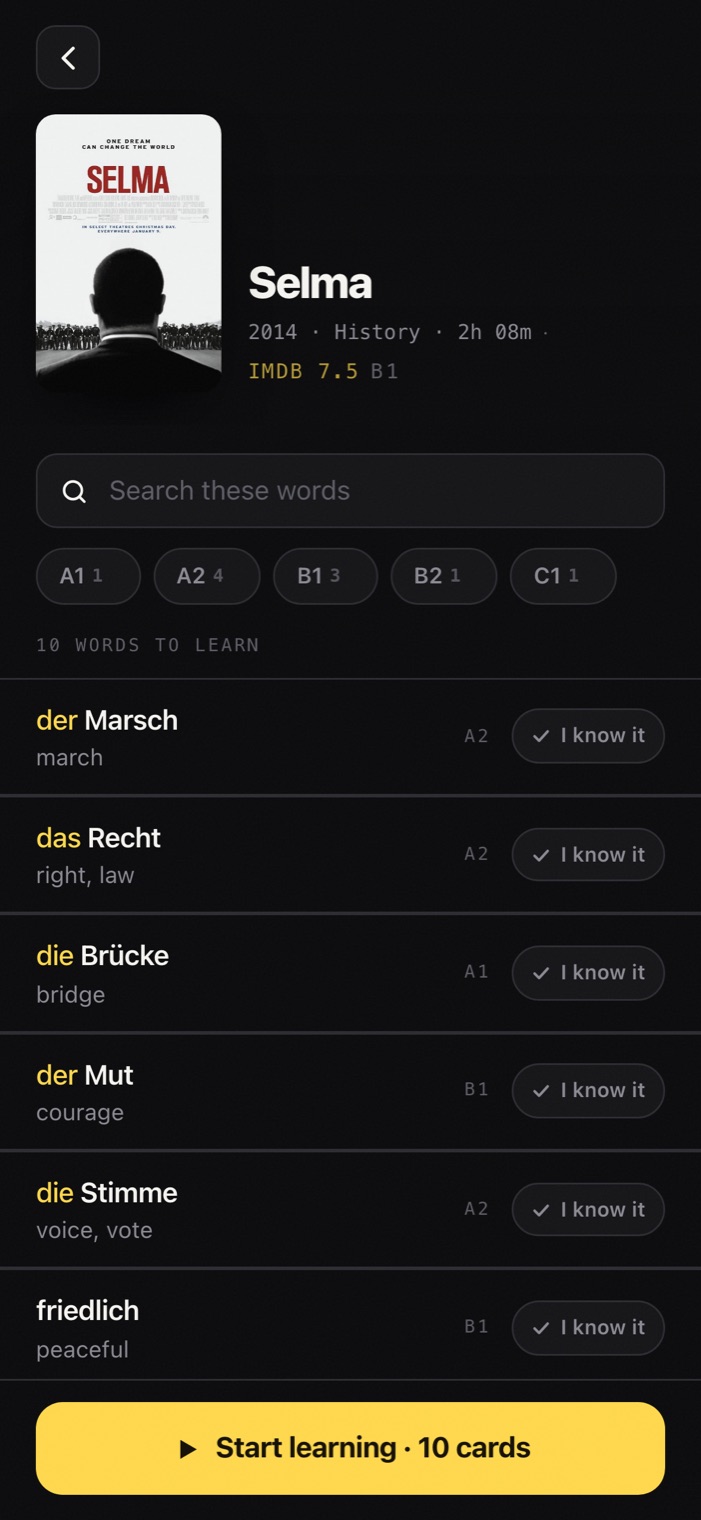
Pick a film you actually want to watch.
Tell Langvie your level once and the library leads with the films that fit it. You get a list worth an evening rather than a syllabus, and you choose by the things you would normally choose by: the rating, the genre, how long it runs.
- Every film shows its IMDb rating next to how hard its vocabulary runs.
- Sort by best fit, best rating, easiest or shortest, then filter by level, genre and length.
- Best fit ranks by how close a film sits to your level, so you are not guessing.
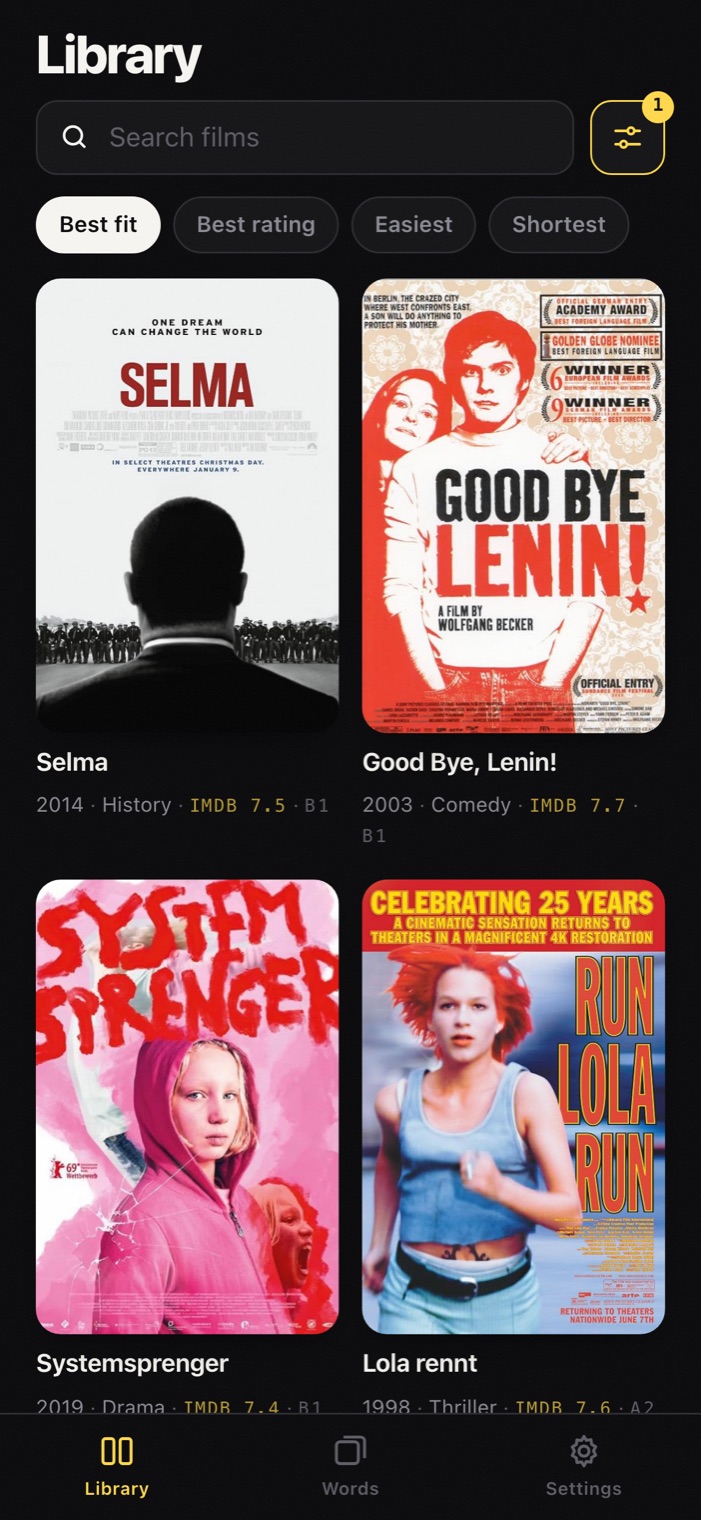
Learn the words before you watch.
Open a film and its vocabulary is already waiting, led by the words you are least likely to have rather than the ones it repeats most. Work through them first and the film plays differently: the lines land as they go past instead of blurring into one.
- Graded before the list is cut, so the hard words survive instead of being crowded out.
- Counts per level, so you can take only the A2 words out of a C1 film.
- Mark what you already know and the deck keeps only the rest.
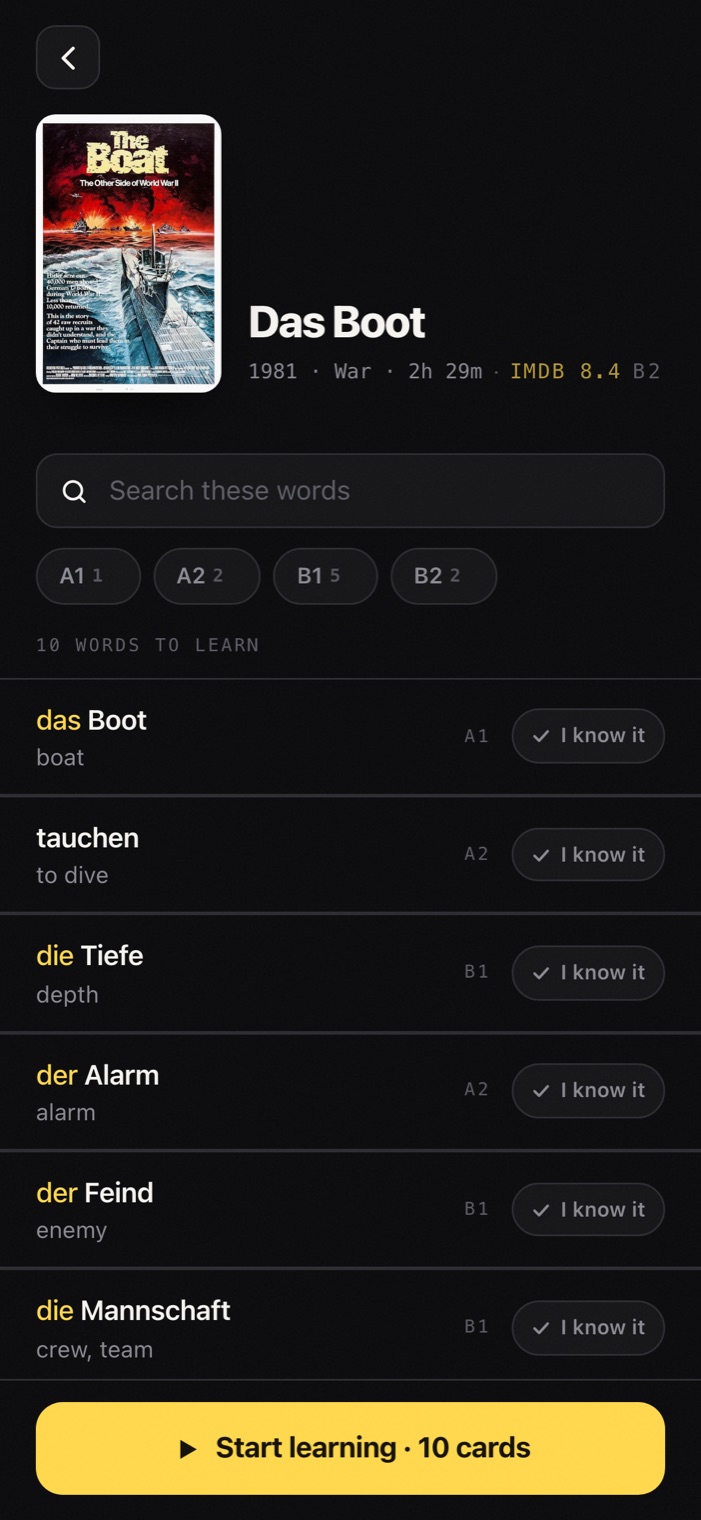
Then keep them with cards.
Every word you keep lands in one deck, whichever film it came from. A card shows the word, then the meaning, then the line it was spoken in. That last part is the whole point, because you are learning the moment a word belongs to rather than the word on its own.
- The line it came from, with the word lit inside it, and the timecode.
- Each answer says when the word comes back before you choose it.
- One deck across every film, running to a daily goal of twenty to start.
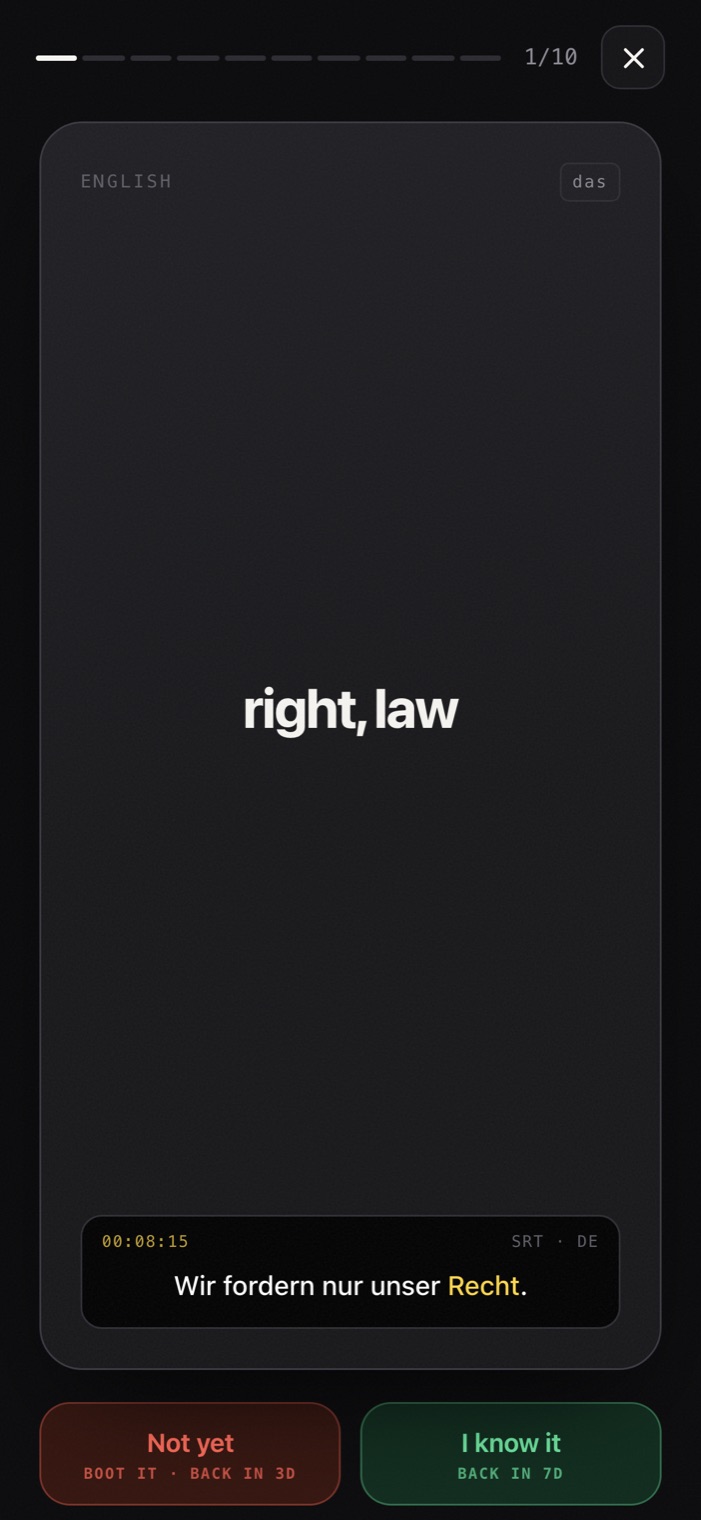
That is the whole app.
A library, a word list, and a card that knows when to come back. Putting it on your phone takes about a minute and costs nothing.
It comes back just before you would have forgotten it.
This is spaced repetition, the method every serious flashcard tool is built on, after the spacing effect Hermann Ebbinghaus described in his memory experiments in the 1880s. Get a word right and the gap widens. Miss it and it starts over.
Numbers are days. Miss a word at any point and it drops straight back to three days, however far along it had got, which is the whole point of the boot. Once you are signed in the schedule is settled by the database rather than the phone, so two devices can never disagree about when a word is due and the ladder cannot be skipped from the client.
The films you already meant to watch.
Each one carries its own vocabulary, taken from its German subtitle track. The list leads with the words you are least likely to know already, and every level is represented so it stays a deck rather than a glossary. The level beside a title is an estimate, so pick a film the way you would pick a night in.
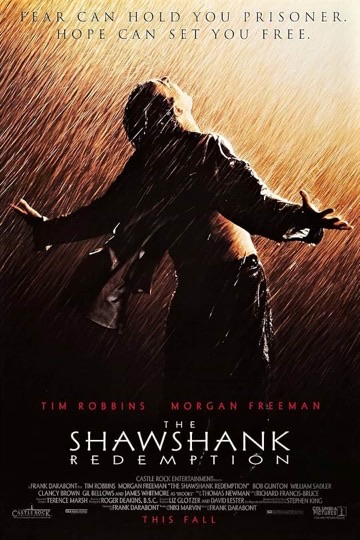
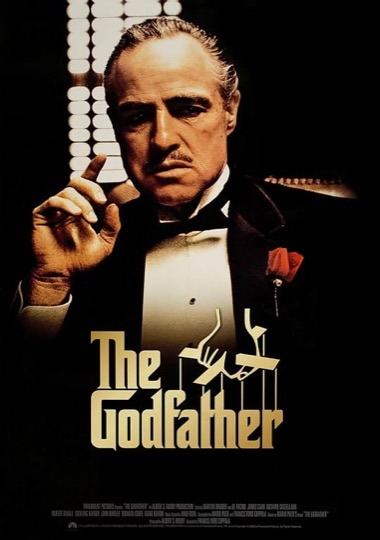
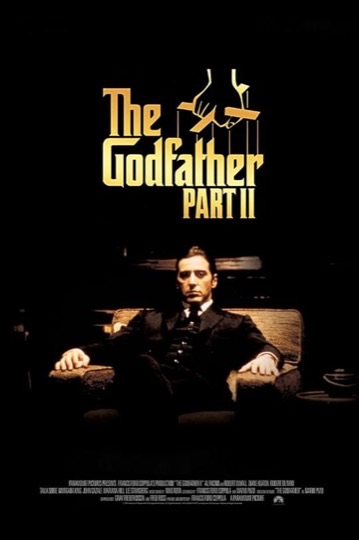
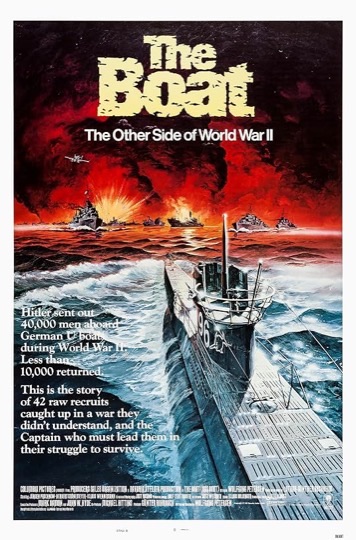

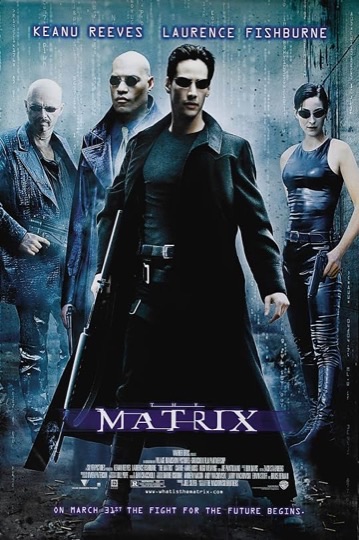
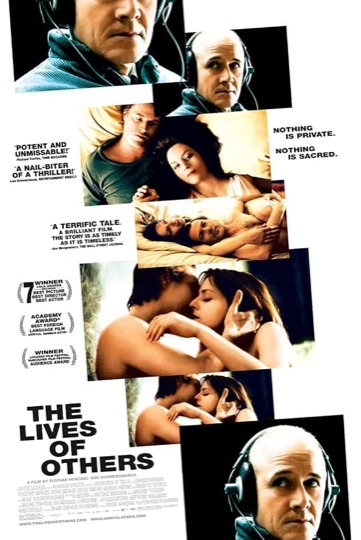
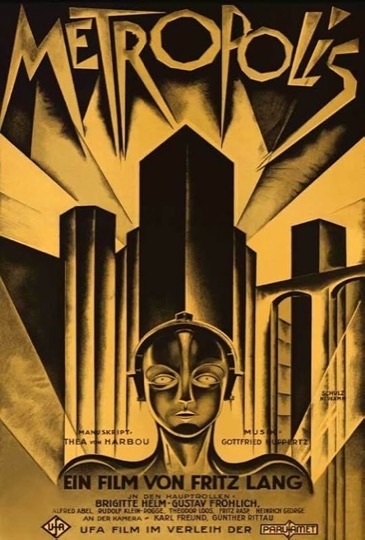


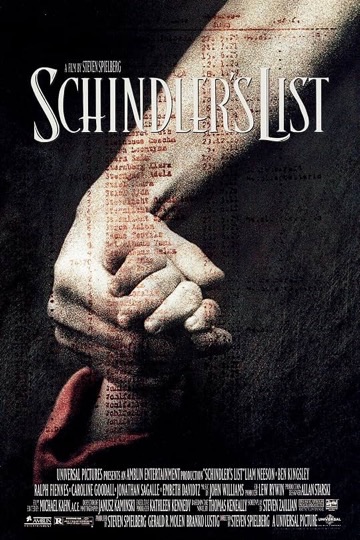

Pick one for tonight.
Start with the words it uses most, then watch it and catch them going past. That is the entire loop.
Questions worth asking first.
Do I need to own or stream the film?
No. Langvie works from the subtitle vocabulary alone, so a film's deck stands on its own whether or not you have ever seen it. Watching the film afterwards is the reward, not the requirement.
Why is it not on the App Store or Google Play?
It installs from the browser instead, which gives you the same home screen icon and the same full screen app without a store account in the way. Store versions may come later.
Which languages does it cover?
German is the one that is ready. French, Spanish, Italian, Japanese and Korean are in the app and waiting on their subtitle indexes. Translations on the back of a card come in English, Russian, Ukrainian or Spanish, whichever you pick when you start.
How accurate are the levels?
Call them estimates. A word's level is worked out from how common it is in German, using a frequency ranking built from subtitles, with band edges that follow the published sizes of the Goethe Institut word lists. That sorts a film's difficulty honestly, which is what the filter needs, but it cannot tell that Fall is A2 as a case and B2 as a legal term.
Does my progress sync across devices?
Yes, once you sign in. The spaced repetition schedule runs inside Postgres rather than on the phone, so two devices can never disagree about when a word is due. Without an account, progress is saved to that browser.
Does it work offline?
Partly, and it is worth being exact. The app itself opens without a connection, and anything you answer is saved on the phone and synced when you are back. Your film library needs a connection to load, though, because the catalogue is not stored on the device. So it is not built for a flight yet.
Get it on your phone.
An app icon on your home screen like a mobile app. It opens on the whole screen, with no address bar around it.
Open LangvieFree, and it takes about a minute.

- 1Open langvie.vercel.app in Safari
- 2Tap Share
- 3Choose Add to Home Screen
- 1Open langvie.vercel.app in Chrome
- 2Tap the menu
- 3Choose Install app